
Choosing between Jobber and Housecall Pro comes down to what your HVAC business actually needs day to day.
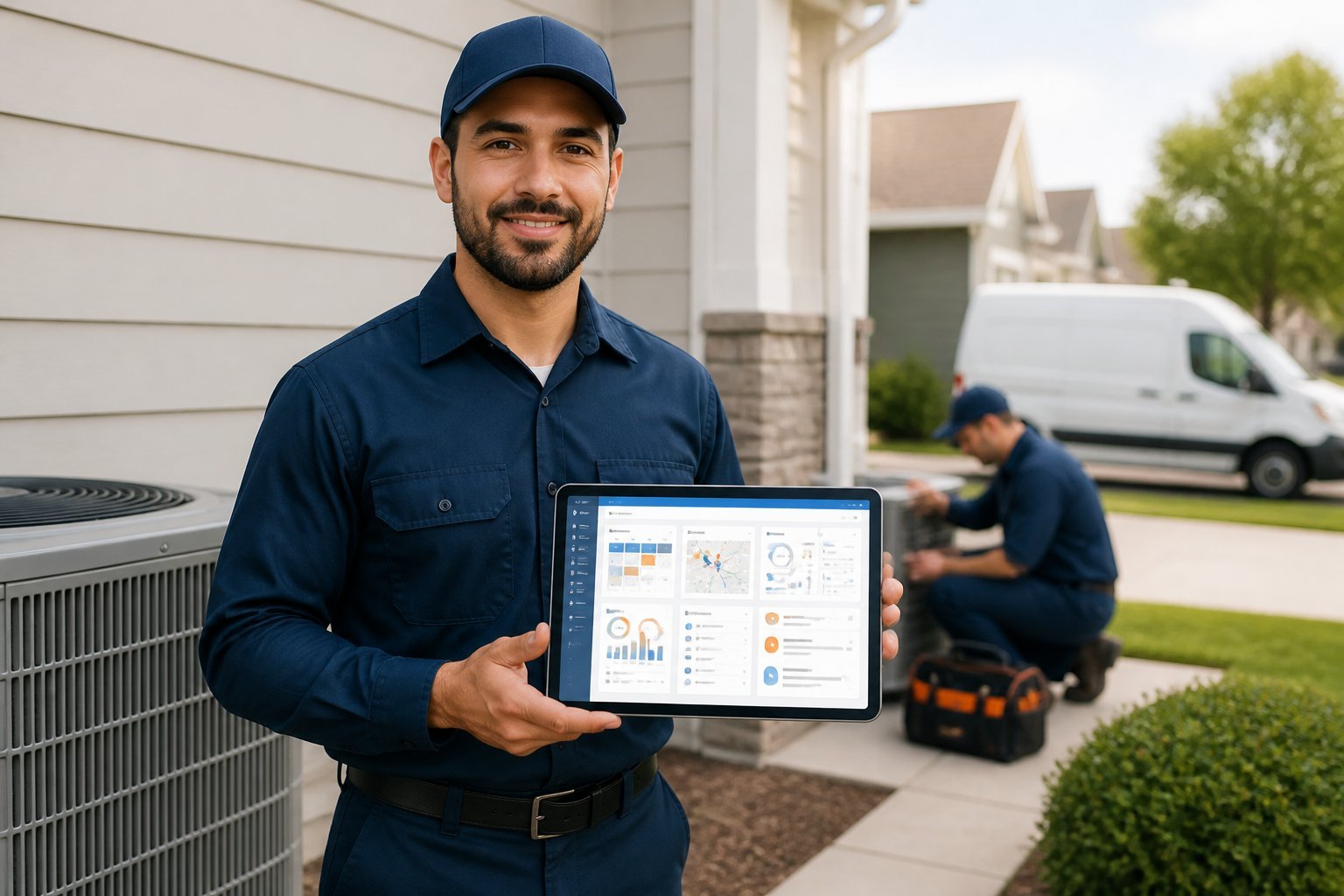
Both platforms handle scheduling, invoicing, and customer management, but they take different approaches to getting you there. Jobber tends to work better for small HVAC companies and owner-operators who want a clean, straightforward interface without a steep learning curve, while Housecall Pro offers more built-in features for businesses ready to scale. Your team size, technical comfort level, and growth plans will shape which one fits.
You'll want to look closely at pricing tiers, mobile app functionality, and how each platform handles routing and technician management before committing. The right choice affects your daily operations, so it's worth understanding exactly where these two tools overlap and where they diverge.
Platform Overview And Ideal Users
Jobber and Housecall Pro both handle scheduling, invoicing, and client communication, but they cater to different business sizes and operational styles. Your choice depends on your crew size, service type, and how much you prioritize growth tools versus simplicity.
Who Benefits Most From Jobber
Jobber suits you if you run a small to mid-sized operation with a handful of technicians to a few dozen. It works well for lawn care, cleaning, plumbing, and general home service businesses that need solid route optimization and client management.
You'll benefit from Jobber if you value:
- Quoting flexibility with tiered options for customers
- Client hub access for self-service booking and payment
- Route planning that reduces windshield time between jobs
- Reporting tools that track technician performance over time
Jobber tends to fit businesses that want room to scale without switching platforms as they add crew members or expand service lines.
Who Benefits Most From Housecall Pro
Housecall Pro works well if you need a straightforward system that gets new hires trained quickly. HVAC, electrical, and plumbing contractors often choose it for its dispatch board and built-in payment processing.
Key advantages for your business include:
- Simple onboarding for technicians with minimal training time
- Instant booking widgets that convert website visitors into scheduled jobs
- Integrated payments that reduce the need for third-party processors
- Mobile-first design built for techs who spend most of their day in the field
If your priority is speed to implementation and day-to-day ease of use over deep customization, Housecall Pro is likely the stronger fit.
Core Features For Field Service Operations
Both platforms handle the daily mechanics of running a service business, but they differ in how you schedule crews, bill customers, and stay in touch with clients. The details below break down how each tool performs across the three functions HVAC contractors rely on most.
Scheduling And Dispatching
Jobber gives you a drag-and-drop calendar with color-coded jobs, route optimization, and a map view showing where every technician is in real time. You can assign recurring maintenance visits automatically, which matters if you run seasonal HVAC tune-up contracts.
Housecall Pro's dispatch board works similarly, with GPS tracking and automated technician notifications when a job is assigned. Its “Pro on the Go” mobile app lets technicians view job history and customer notes before arriving on-site.
Both tools sync schedules across office staff and field crews, but Jobber's route optimization is more refined for businesses managing multiple trucks across a service area.
Estimates, Invoicing, And Payments
| Feature | Jobber | Housecall Pro |
|---|---|---|
| Estimate templates | Yes, with photo attachments | Yes, with good/better/best options |
| Invoice automation | Yes | Yes |
| Payment processing | Jobber Payments | Housecall Pro Payments |
| Financing options | Third-party integration | Built-in financing |
Jobber lets you convert estimates into invoices in a couple of clicks and automatically follows up on unpaid invoices. Housecall Pro's built-in consumer financing option is useful if you sell higher-ticket HVAC installations and want to offer payment plans without a separate lender integration.
Customer Management And Communication
Both platforms store customer history, service notes, and equipment details in a searchable database. Jobber's client hub gives customers a self-service portal to view invoices, approve estimates, and request appointments.
Housecall Pro includes automated text and email reminders, plus a review-request feature that sends follow-ups after job completion. You can also set up automated “on my way” texts with technician photos, which reduces no-show complaints and missed appointments.
Neither system replaces a dedicated CRM, but both cover the communication basics contractors need for day-to-day customer interactions.
HVAC Contractor Tools And Workflows
HVAC contractors rely on recurring maintenance revenue and accurate job documentation to run efficient operations. Jobber and Housecall Pro each handle these needs differently, which affects how you manage seasonal tune-ups, equipment records, and technician paperwork in the field.
Maintenance Agreements And Recurring Service
Jobber lets you set up recurring jobs with custom frequencies, so you can schedule seasonal tune-ups, filter changes, or annual inspections without manually re-entering client details each time. You can attach these recurring jobs to specific client properties, which helps when you're managing multiple units at one address.
Housecall Pro offers similar recurring job scheduling, plus a dedicated Memberships feature. This lets you sell maintenance plans directly to customers, track membership tiers, and automate renewal billing.
If your HVAC business depends on maintenance contracts as a steady revenue stream, Housecall Pro's built-in membership management gives you a more direct sales tool. Jobber's recurring job setup works well if you already track agreements through invoicing and don't need a separate membership storefront.
Equipment, Forms, And Job Documentation
Both platforms let you attach photos, notes, and custom forms to individual jobs, which matters for HVAC work where you need records of serial numbers, refrigerant levels, or warranty details.
Jobber includes custom form templates you can build for inspections or safety checklists, and these forms sync to the client's job history. Housecall Pro offers similar form-building tools, along with checklists technicians can complete on-site through the mobile app.
Neither platform includes dedicated equipment-tracking modules built specifically for HVAC asset histories. You'll need to use custom fields, notes, or attached documents to log equipment details tied to each client property.
For contractors who need detailed equipment logs across multiple properties, you may want to supplement either platform with a separate asset-tracking spreadsheet or integration.
Mobile App Experience For Technicians
Both Jobber and Housecall Pro run on iOS and Android, but the way they handle offline access, job details, and crew communication affects how smoothly your techs work in the field.
Field Usability And Offline Considerations
Jobber's mobile app gives your techs a clean job view with client history, notes, and photos attached to each visit. You can add line items, capture signatures, and take before-and-after photos directly on-site.
Offline support is limited in both apps. If your techs work in basements, rural areas, or buildings with poor signal, you'll notice sync delays until connectivity returns.
Housecall Pro's app includes GPS tracking so you can see technician locations in real time. It also lets techs check parts availability and pull up equipment history if you've logged it previously.
Key differences:
- Jobber: Stronger for detailed job notes and recurring maintenance records
- Housecall Pro: Better real-time location visibility for dispatch
Neither app fully replaces a desktop workflow for complex multi-day projects.
Team Communication And Time Tracking
Jobber includes built-in time tracking tied to specific jobs, so you can compare labor hours against your original estimate. Techs clock in and out from the app, and that data feeds directly into invoicing.
Housecall Pro offers similar time tracking, plus an in-app chat feature for messaging between office staff and field technicians. This reduces reliance on separate texting or calling.
Both platforms send push notifications when schedules change or new jobs get assigned. Housecall Pro's dispatch board updates in real time, so your techs see route changes almost immediately.
If your team relies heavily on internal messaging, Housecall Pro's chat function may reduce app-switching during the workday.
Automation, Reporting, And Integrations
Jobber and Housecall Pro both automate scheduling, follow-ups, and billing, but they differ in depth of customization and reporting granularity. Your choice of integrations will also depend on which accounting or marketing tools you already use.
Workflow Automation Capabilities
Jobber lets you build automated workflows for appointment reminders, job follow-ups, and review requests. You can trigger these based on job status changes, which reduces manual admin work between office staff and technicians.
Housecall Pro focuses on automating the customer communication cycle, including postcard mailers, automated review requests, and text-based updates sent when a technician is en route.
Key differences:
- Jobber: Custom automation rules tied to job stages; better for multi-step workflows.
- Housecall Pro: Simpler, pre-built automation sequences that require less setup time.
If you manage a small team with straightforward jobs, Housecall Pro's automation gets you running faster. Larger operations with more complex job cycles may prefer Jobber's flexibility.
Business Insights And Third-Party Connections
Jobber's reporting covers job costing, revenue by client, and technician performance, with export options for deeper analysis. Housecall Pro provides similar metrics but places more emphasis on marketing performance, including tracking for review campaigns and postcard ROI.
Both platforms connect to QuickBooks Online for accounting sync. Jobber also integrates with Xero, while Housecall Pro supports QuickBooks Desktop in addition to the online version.
Common integrations include:
- Payment processors (Stripe, for example)
- Google Calendar
- Zapier for connecting additional apps
If your priority is financial reporting depth, Jobber's data breakdowns give you more to work with. If marketing analytics matter more to your business, Housecall Pro's built-in tracking saves you from using separate tools.
Pricing, Plans, And Overall Value
Both platforms use tiered subscription pricing based on user count and feature access, and both charge additional fees for payment processing. Your final cost depends heavily on team size, transaction volume, and which add-ons you need.
Subscription Costs And User Limits
Jobber offers four tiers: Core, Connect, Grow, and Plus, with pricing starting around $39/month for a single user on the entry-level plan. Higher tiers unlock more users, automated reminders, and advanced reporting, but you'll pay more as your team grows since Jobber charges per additional seat.
Housecall Pro structures its plans as Basic, Essentials, MAX, and a custom Enterprise tier, with Basic starting near $49/month for one user. Essentials and MAX plans allow multiple users at a flat rate up to a set limit before additional per-user fees apply.
If you run a small operation with one or two technicians, Jobber's entry pricing is typically lower. For growing teams needing five or more users, compare each platform's per-seat costs directly, since the gap narrows or reverses depending on the tier.
Payment Processing And Add-On Expenses
Both companies operate their own integrated payment processing, and neither requires a separate third-party merchant account. Jobber Payments charges approximately 2.9% + $0.30 per online transaction, with slightly lower rates for card-present transactions using a card reader.
Housecall Pro's processing fees sit in a similar range, typically around 2.79% to 2.99% per transaction depending on your plan tier. Higher-tier plans on both platforms sometimes reduce processing rates as an incentive to upgrade.
Add-ons increase your total spend beyond the base subscription. Jobber charges extra for features like additional automated review requests or higher SMS/email sending limits. Housecall Pro's add-ons include:
- Additional dispatch/GPS tracking beyond base allowances
- Advanced reporting modules on lower tiers
- Marketing automation tools bundled only into higher plans
Review your expected transaction volume and required features before committing, since these extras can meaningfully shift your monthly total.
Strengths, Limitations, And Decision Factors
Both platforms handle the core operations of scheduling, invoicing, and payments, but each has distinct advantages depending on how you run your business. Your decision should come down to the specific workflows and growth plans that matter most to you.
Where Jobber Stands Out
Jobber gives you more robust quoting and proposal tools, letting you build multi-tiered estimates that customers can approve online.
Its inventory tracking features are more developed, which matters if you manage parts or equipment across multiple job sites.
You also get stronger reporting capabilities, including profitability tracking by job type and client.
Key strengths include:
- Client hub: a self-service portal where customers view quotes, invoices, and job history
- Route optimization: built into higher-tier plans for teams managing multiple daily jobs
- Recurring job automation: useful for maintenance contracts or seasonal service agreements
Jobber's learning curve is slightly steeper than Housecall Pro's, so expect more setup time before your team is fully comfortable with the platform.
Where Housecall Pro Stands Out
Housecall Pro emphasizes simplicity and speed, with a mobile app that most field technicians find easy to navigate from day one.
Its customer communication tools are more streamlined, including automated review requests and text-based booking confirmations.
You get built-in postcard marketing and Google Local Services Ads integration, which can help you generate leads without third-party tools.
Notable advantages include:
- QuickBooks Online sync: real-time, two-way integration for accounting
- On-my-way texts: automatic notifications sent to customers when a technician is en route
- Instant payments: faster processing times reported by users compared to competitors
Housecall Pro's reporting and inventory features are less detailed than Jobber's, which may matter if you need granular financial tracking.
Choosing The Right Platform For Your Contracting Business
Your decision should start with the size and structure of your team.
If you run a small crew and need quick setup with minimal training, Housecall Pro's simpler interface may suit you better. If you manage a larger operation with complex scheduling needs, Jobber's advanced routing and job management tools give you more control.
Consider these factors before deciding:
- Team size: Solo operators and small teams often prefer simpler dashboards; growing companies benefit from more robust features
- Service type: HVAC contractors juggling recurring maintenance contracts need strong scheduling and follow-up automation
- Budget: Compare pricing tiers against the features you'll actually use, not just what's available
- Integration needs: Check compatibility with your existing accounting, payment, or CRM tools
- Mobile access: Your field technicians need reliable app performance, not just desktop functionality
You should also weigh how each platform handles quoting and invoicing. Jobber tends to offer more customization here, while Housecall Pro focuses on speed and simplicity.
Test both platforms with a free trial before committing. Your day-to-day workflow will reveal more than any feature comparison chart.
Don't overlook customer support quality, either. When a scheduling conflict arises mid-job, you need a responsive support team, not just a comprehensive knowledge base.
Ultimately, the right choice depends on your specific operations rather than which platform has more features overall.