
Choosing between ServiceM8 and Jobber depends on your team size, location, workflow, and budget. Both platforms support scheduling, estimates, invoicing, payments, and customer management, but they differ in pricing structure, integrations, mobile tools, and ease of setup.

Jobber suits many growing service businesses that want a broadly accessible all-in-one platform, while ServiceM8 can offer strong value for smaller teams that prefer a mobile-first workflow and pay-per-job pricing. You’ll see how their plans, core features, reporting, and limitations compare before choosing the better fit for your business.
Your trade, staffing model, and expected job volume will shape the best decision. The comparison ahead shows which platform aligns with your daily operations and long-term needs.
Platform Overview

ServiceM8 and Jobber both organize scheduling, customer management, estimates, invoicing, and field work in one system. The main differences involve device support, pricing structure, and the type of contractor each platform serves best.
ServiceM8 At A Glance
ServiceM8 is a field service platform designed primarily for Apple-based businesses. You access its main mobile tools through iPhone and iPad apps, while its web interface supports office administration. If your technicians use Android devices, ServiceM8 may not fit your team’s workflow.
You can manage customers, bookings, job details, quotes, invoices, payments, forms, photos, and technician notes. Its mobile experience emphasizes completing work from the job site, including capturing signatures, updating job status, and sending documents to customers.
ServiceM8 uses a pay-per-job pricing model rather than relying only on a conventional subscription structure. That approach can suit solo operators or small trades with fluctuating workloads, although you should compare expected job volume with subscription-based alternatives before choosing.
The platform also connects with services such as Xero, making it relevant if you already use Apple devices and cloud accounting. Its strongest fit is a small trade business that wants a mobile-first workflow and does not need Android support.
Jobber At A Glance
Jobber is a cross-platform field service management system available through the web and mobile apps for iOS and Android. You can use it to manage leads, clients, quotes, schedules, jobs, invoices, payments, and customer communications from one platform.
Its workflow supports the full customer journey. You can track a request, create and approve a quote, schedule the work, dispatch or assign it to a technician, collect payment, and maintain the customer record for future jobs.
Jobber also includes tools for online booking, automated follow-ups, client notifications, and customer-facing portals, depending on your plan. These features can help you present a more structured experience as your service business grows.
Unlike ServiceM8’s pay-per-job approach, Jobber generally uses subscription plans with feature and user limits. You should review plan details carefully if you need advanced reporting, multiple users, recurring work, or integrated payments. Jobber’s broader device compatibility makes it the more practical starting point for mixed-device teams.
Core Feature Comparison
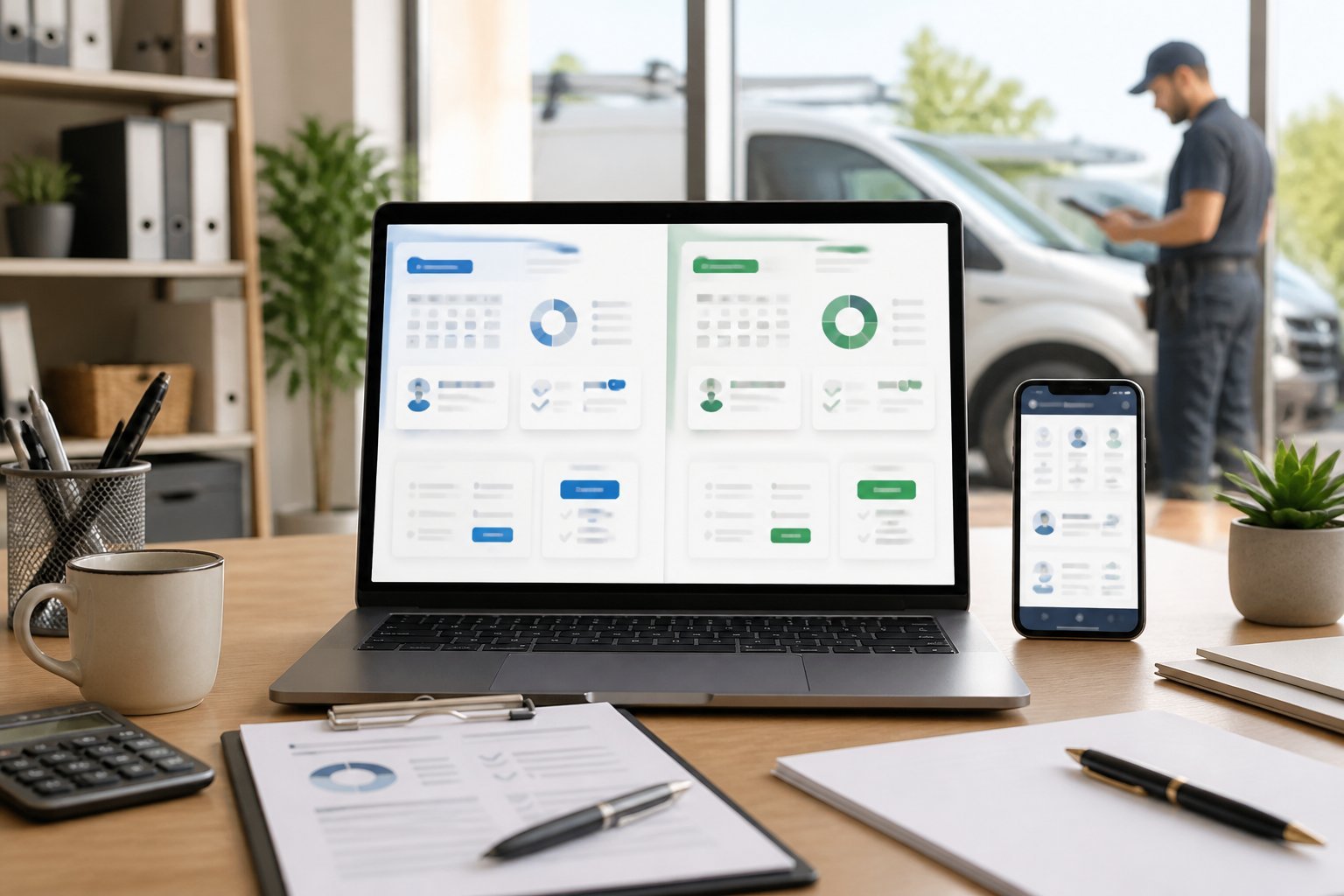
Both platforms cover the essential workflow for service businesses, including scheduling, customer records, estimates, invoicing, and field operations. Jobber offers broader device support and a structured office-to-field workflow, while ServiceM8 emphasizes mobile-first work management and pay-per-job billing.
Job Scheduling And Dispatch
Jobber gives you a visual calendar for organizing one-time jobs, recurring visits, and team availability. You can assign work to specific employees, adjust appointments, and send schedule details to technicians. Its workflow suits businesses that coordinate office staff and field teams across different devices.
ServiceM8 also supports scheduling, dispatch, recurring jobs, and technician assignments. Its mobile-first design can work well when your team manages most tasks from the field, particularly on Apple devices. However, ServiceM8 is primarily iOS-focused, while Jobber supports a wider range of devices.
Both platforms help you track job status and keep appointment information connected to customer records. Compare how each handles travel time, recurring work, calendar updates, and dispatch changes before choosing one for a larger team.
Client Management And Communication
Jobber stores customer details, service history, property information, notes, and related job records in one profile. You can use these records to prepare estimates, schedule follow-up work, and review previous visits without searching across separate systems.
You can also send automated appointment reminders, quote notifications, invoices, and other client messages. Jobber’s client portal gives customers a place to review quotes, approve work, access documents, and manage payments, depending on your plan and configuration.
ServiceM8 provides customer records, job histories, notes, photos, and communication tools through its field-service workflow. Its forms and templates help you collect consistent information during visits. When comparing the two, examine portal access, message automation, customer history, and the ease of transferring information between office staff and technicians.
Quotes, Invoices, And Payments
Jobber connects estimates, approved work, invoices, and payments within the same customer and job record. You can build quotes from saved services, send them for online approval, convert approved quotes into jobs, and issue invoices after completing the work.
The platform also supports online payments and recurring billing features on applicable plans. This can reduce manual entry between your scheduling and accounting processes, although you should verify available payment methods, transaction fees, and accounting integrations for your region.
ServiceM8 supports quoting, invoicing, payment collection, and reusable templates. Its workflow lets you create documents from the job and send them to customers electronically. ServiceM8 commonly uses pay-per-job pricing, while Jobber generally uses plan-based, per-user pricing. Compare billing limits and payment costs alongside feature lists.
Mobile App And Field Tools
Jobber’s mobile app lets technicians view schedules, access client and job details, add notes, capture photos, update statuses, collect signatures, and process field information. Because Jobber works across major device platforms, it gives you more flexibility when your team uses a mix of phones, tablets, or computers.
ServiceM8 focuses heavily on the technician’s mobile workflow and is known for a strong iOS experience. Field staff can access job details, complete digital forms, record photos and notes, collect signatures, and update customers from the job site. Its templates can help standardize reports and service documentation.
Choose based on your team’s devices and working habits. Jobber may fit mixed-device operations, while ServiceM8 can suit an iPhone- or iPad-based team that prioritizes field usability.
Pricing And Plan Value
ServiceM8 generally suits businesses that prefer usage-based pricing, while Jobber uses recurring subscriptions tied to plan features and team access. Your best value depends on job volume, staff size, required automation, and whether you need predictable monthly billing.
ServiceM8 Plan Costs
ServiceM8 uses a subscription model with job limits, rather than charging separately for every completed job. Your plan determines the number of jobs you can manage during a billing period, along with access to features such as scheduling, quoting, invoicing, forms, and client communication.
This structure can work well if you run a small service business with a predictable workload. A lower-tier plan may keep costs controlled when you handle fewer jobs, while a higher tier can provide more capacity and advanced tools as your operation grows.
Before choosing a plan, compare your expected monthly job count with the included allowance. If you regularly exceed that limit, a larger plan may offer better value than repeatedly paying for additional capacity. ServiceM8’s mobile experience also makes it particularly relevant if your team works mainly from iPhones or iPads.
Jobber Subscription Tiers
Jobber charges a recurring subscription based on the plan you select and, in some cases, the users or team access your business needs. Its tiers typically separate core tools from advanced capabilities, such as automated follow-ups, online booking, client portals, payment features, and more developed reporting.
A basic plan may cover scheduling, customer records, quotes, invoices, and job management. Higher tiers can justify their cost when you need stronger sales automation, recurring-service workflows, enhanced communication, or broader team coordination.
Jobber’s subscription approach gives you predictable billing and does not limit the number of jobs you can accept through per-job charges. That makes it easier to forecast costs when your workload changes seasonally or increases quickly. Check the current user limits and feature differences carefully, because adding staff or requiring advanced tools can move you into a more expensive tier.
Add-Ons, Fees, And Free Trials
The advertised subscription price may not represent your complete operating cost. Payment processing, text messaging, advertising tools, optional integrations, additional users, and premium features can create separate charges. Review each provider’s billing terms before comparing plans directly.
Both platforms may offer trial access or introductory promotions, but availability and conditions can change. Confirm the trial length, included features, job or user limits, and whether the subscription renews automatically after the trial.
Use a simple cost comparison before committing:
- Monthly subscription
- Included jobs or users
- Additional user charges
- Payment-processing fees
- Messaging or marketing costs
- Integration charges
- Annual-plan discounts
Choose ServiceM8 when usage-based capacity fits your workload and mobile requirements. Choose Jobber when predictable subscription billing, unlimited job volume, and access to broader business-management features matter more than minimizing the entry price.
Ease Of Use And Setup
Both platforms let you manage scheduling, estimates, invoicing, and customer records from one system. Your best fit depends on whether you prioritize a polished workflow for a growing team or a highly efficient mobile experience for field technicians.
User Experience
Jobber presents a broad business-management interface with dedicated areas for clients, jobs, quotes, invoices, payments, and reports. Its workflow helps you move a customer from an estimate to a scheduled job, then to invoicing and payment. The larger feature set can require more navigation, especially if you only need basic scheduling and billing.
ServiceM8 focuses strongly on mobile field work. Technicians can access job details, complete forms, add photos, collect signatures, and update records from the mobile app. This design suits businesses where employees spend most of their time on site rather than at a desk. Some advanced office functions may feel less immediate until you configure the relevant workflows.
Automation And Customization
Jobber gives you reusable templates, automated client communications, online booking options, follow-up reminders, and workflow automation on eligible plans. You can standardize estimates, invoices, job forms, and messages while keeping control over when each action occurs. Its integrations also help connect payments, accounting, and marketing tools.
ServiceM8 supports customizable forms, checklists, templates, recurring jobs, and automated customer notifications. You can build job workflows that prompt technicians to capture required information before they close a task. Its automation model works particularly well for repeatable service visits, although you may need to spend time configuring forms and triggers to match your operating procedures.
Team Onboarding
Jobber can provide a clearer starting point for office staff because its main functions follow familiar business stages: create a client, send a quote, schedule work, and invoice. You can use permissions and standardized templates to keep processes consistent as you add employees. Field staff still need training on job updates, notes, photos, and customer communication.
ServiceM8 usually fits teams that want technicians to complete most tasks from their phones or tablets. Give new employees a short process guide covering job status changes, forms, photos, signatures, and time tracking. Before rollout, test your workflows on the devices and operating systems your team uses, because the mobile-first setup makes consistent device use important.
Integrations And Reporting
Your choice affects how easily you connect financial tools, collect payments, and turn job data into business decisions. Jobber generally suits businesses that want broad integrations and structured reporting, while ServiceM8 emphasizes connected workflows within its supported ecosystem.
Accounting And Payment Connections
Jobber connects with accounting and payment services, including QuickBooks Online, Stripe, and PayPal, depending on your plan and region. These connections can reduce duplicate data entry by syncing customer, invoice, and payment information. You can also use Jobber’s client-facing tools to send quotes, invoices, and payment requests.
ServiceM8 supports accounting connections such as Xero and QuickBooks, with availability varying by country and account setup. Its payment tools support card payments and automated billing workflows through connected providers. Before choosing either platform, check whether it supports your preferred accounting system, payment processor, and currency.
You should also confirm how each integration handles tax rates, refunds, deposits, and invoice adjustments. A connection that only exports basic invoice data may require more manual reconciliation than one that synchronizes payment status and customer records.
Business Insights And Analytics
Jobber provides reporting for areas such as revenue, receivables, sales activity, job performance, and team productivity. These reports help you monitor unpaid invoices, compare quoted work with completed work, and identify which services generate the most revenue. Higher-tier plans may provide more advanced reporting or customization.
ServiceM8 focuses on operational information tied to jobs, including scheduling, time tracking, staff activity, materials, and invoice data. Its reports can help you review workload, job profitability, and workflow performance, particularly when your team records detailed information from the mobile app.
Neither platform replaces a dedicated business-intelligence system. For deeper analysis, you may need to export data or connect another tool. Compare report filters, export formats, historical data access, and user permissions before deciding which system gives you enough visibility without adding manual spreadsheet work.
Best Fit By Business Type
Your choice depends mainly on team size, device preference, billing needs, and how much operational structure you require. Jobber generally suits businesses that need broad device support and scalable team management, while ServiceM8 fits smaller, Apple-focused teams that prefer mobile-first workflows and pay-per-job pricing.
Solo Operators And Small Teams
ServiceM8 works well when you run a small service business from an iPhone or iPad and want to manage most tasks from the field. Its mobile workflow supports scheduling, job notes, photos, forms, quotes, invoices, and customer communication without requiring a large office system. Pay-per-job billing can also suit operators with fluctuating workloads, although you should compare limits carefully if your job volume increases.
Jobber gives you more flexibility if you use Android, Windows, or a mix of devices. It also offers a straightforward way to organize clients, estimates, work orders, invoices, payments, and follow-up messages in one system. Choose Jobber if you want a customer-facing experience that can expand beyond basic scheduling, including online booking or automated reminders on eligible plans.
Growing Service Businesses
Jobber is usually the stronger fit when you add technicians, office staff, or multiple crews. Its web and mobile access supports mixed-device teams, while user-based plans make staffing and permissions easier to manage as your operation grows. You can also use scheduling, dispatching, quoting, invoicing, payments, integrations, and reporting to create more consistent processes.
ServiceM8 can support growth, particularly for teams already committed to Apple devices. However, its iOS-only approach may limit your hiring options and create friction if staff use Android phones or tablets. Review its job limits, user allowances, automation options, and integration requirements before standardizing on it. ServiceM8 remains attractive when field staff complete most work on Apple devices and you value a highly mobile-centered workflow.
Apple-Centered Field Teams
ServiceM8 deserves close consideration if every technician uses an iPhone or iPad. The platform emphasizes field execution, so your team can capture job details, complete digital forms, attach photos, prepare quotes, collect signatures, and issue invoices during or immediately after appointments. That approach can reduce office data entry for teams with disciplined mobile processes.
Jobber remains useful for Apple-based teams that also need broader platform access. You can use it through supported mobile and web experiences, making it easier for managers, bookkeepers, or customers to interact with the business from different devices. Choose ServiceM8 when mobile depth and Apple consistency matter most; choose Jobber when cross-platform access, scaling, and administrative flexibility carry greater weight.
Key Strengths And Limitations
ServiceM8 suits service businesses that prioritize mobile workflows, automation, and detailed job management, particularly on Apple devices. Jobber offers a broader, more accessible platform for teams that need simple scheduling, quoting, invoicing, client communication, and customer-facing tools.
Where ServiceM8 Excels
ServiceM8 focuses strongly on field operations. You can manage job details, forms, checklists, photos, signatures, timesheets, and customer communications from the mobile app. Its workflow tools can reduce repeated administrative tasks by automating appointment reminders, follow-ups, and document delivery.
The platform also supports detailed customization. You can adapt forms and processes to match your trade, which helps when your team needs consistent records for inspections, maintenance, or compliance work. ServiceM8’s pay-per-job options may also suit smaller businesses with irregular workloads, although you should compare the total cost against a monthly plan if your job volume increases.
Its main limitation is device availability: ServiceM8 has traditionally centered its full mobile experience on Apple devices. You should also expect a steeper setup process when you customize advanced workflows. Businesses that need broad customer-management features or a simpler learning curve may find Jobber easier to adopt.
Where Jobber Excels
Jobber provides a balanced set of tools for scheduling, quoting, invoicing, payments, client management, and team coordination. You can create estimates, obtain customer approval, convert approved work into jobs, and send invoices through a connected workflow. Its interface generally suits owners and office staff who want to manage core operations without extensive configuration.
Jobber also emphasizes customer-facing features. Depending on your plan and region, you may use online booking, automated reminders, quote follow-ups, review requests, and a client hub. These tools can help you present a more consistent service experience while reducing manual communication.
The trade-off is that advanced customization and field-specific workflows may be less extensive than ServiceM8’s. Jobber uses subscription-based pricing, so you pay recurring costs even during slower periods. You should also check plan limits, add-on fees, user access, payment processing, and regional availability before choosing it.
Verdict
Your choice depends mainly on device preferences, pricing structure, and accounting needs. ServiceM8 suits smaller trade companies that want flexible billing without per-user charges, while Jobber offers a polished workflow and broad accessibility for growing home-service teams.
Choose ServiceM8 When
Choose ServiceM8 if you run a small trade business with several field employees and want to avoid paying for every user. Its pricing model can work well when your team size changes or when multiple staff members need regular access.
ServiceM8 makes the strongest fit for businesses that use iPhones or iPads in the field. Before choosing it, confirm that its mobile-device requirements match your team’s phones and tablets.
You may also prefer ServiceM8 if you want a field-service platform built around job management, scheduling, customer communication, invoicing, and operational workflows without adding enterprise-level complexity. Review its plan limits carefully, especially if your business handles high job volumes or needs advanced integrations.
Choose Jobber When
Choose Jobber if you want a polished system for quoting, scheduling, invoicing, payment collection, and customer management. Its workflow suits small and midsize home-service companies that want these functions organized in one platform.
Jobber can provide the better fit if your team uses a mixture of iOS, Android, and desktop devices, since broader platform access can simplify deployment. Its QuickBooks integration also matters if you want to connect field operations with established accounting processes.
You should compare each plan’s user limits, features, and payment costs before committing. Jobber’s subscription structure may become more expensive as you add staff, but the predictable feature set and accessible workflow can justify that cost when ease of use and business growth matter.